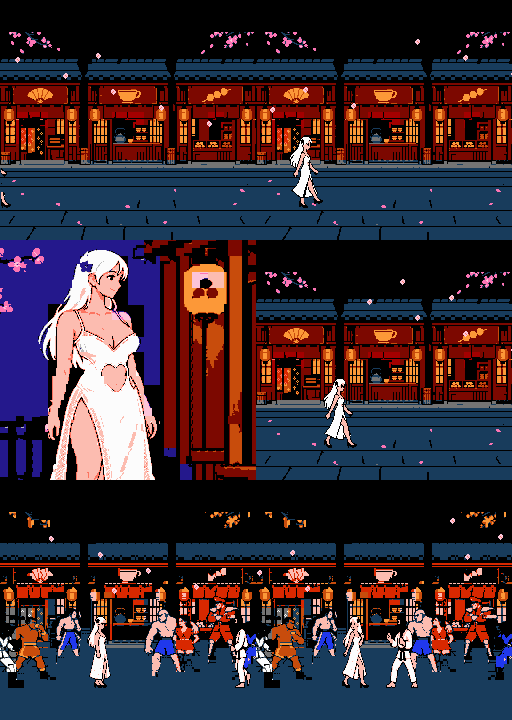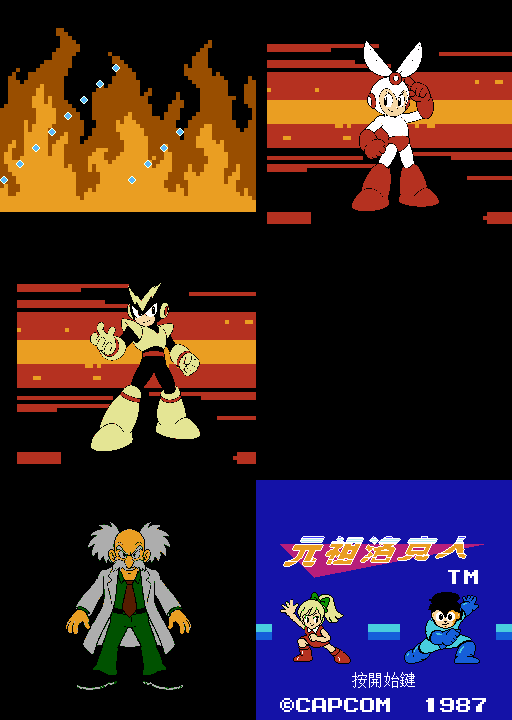
元祖洛克人
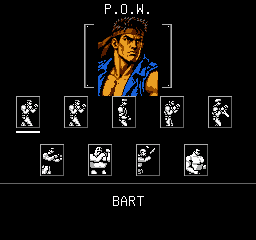
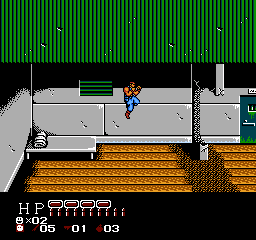
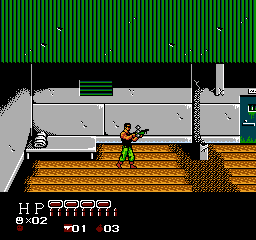
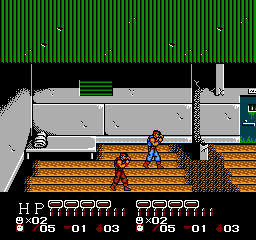
八位角色,一場新的出擊。操控洛克人、蘿露與六位機器人,用能量炮、精神力和各自的拿手招式闖關。
版本:V20261027.004(測試版) 平台:FC / NES 人數:1 人 發布日期:2026-10-26 更新日期:2026-10-27
提取碼:a7n2 檔案:rockman-jp-expanded-V20261027.004.zip。包含遊戲 ROM、完整玩家說明、動圖與截圖。
本次更新
- 新增無敵模式與無限能量,兩個選項可獨立開關,預設皆關閉。
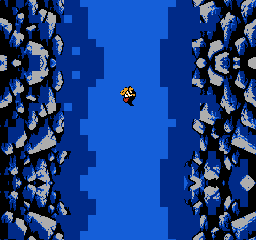
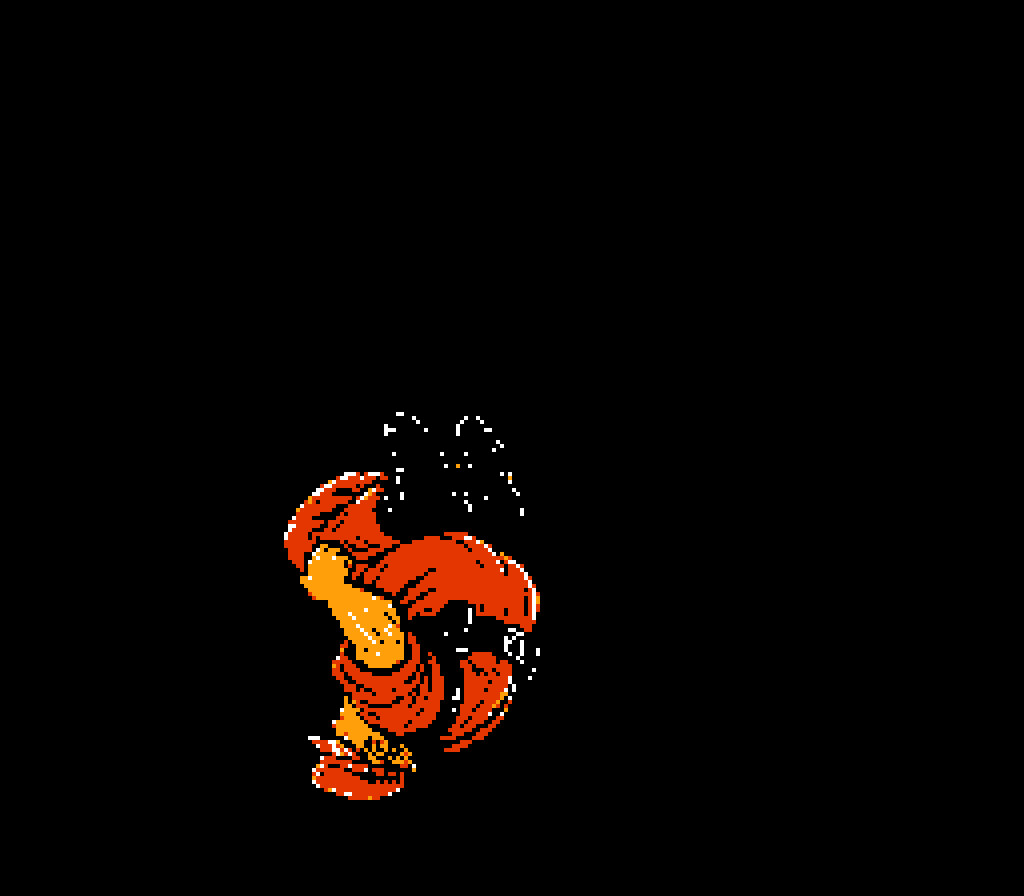
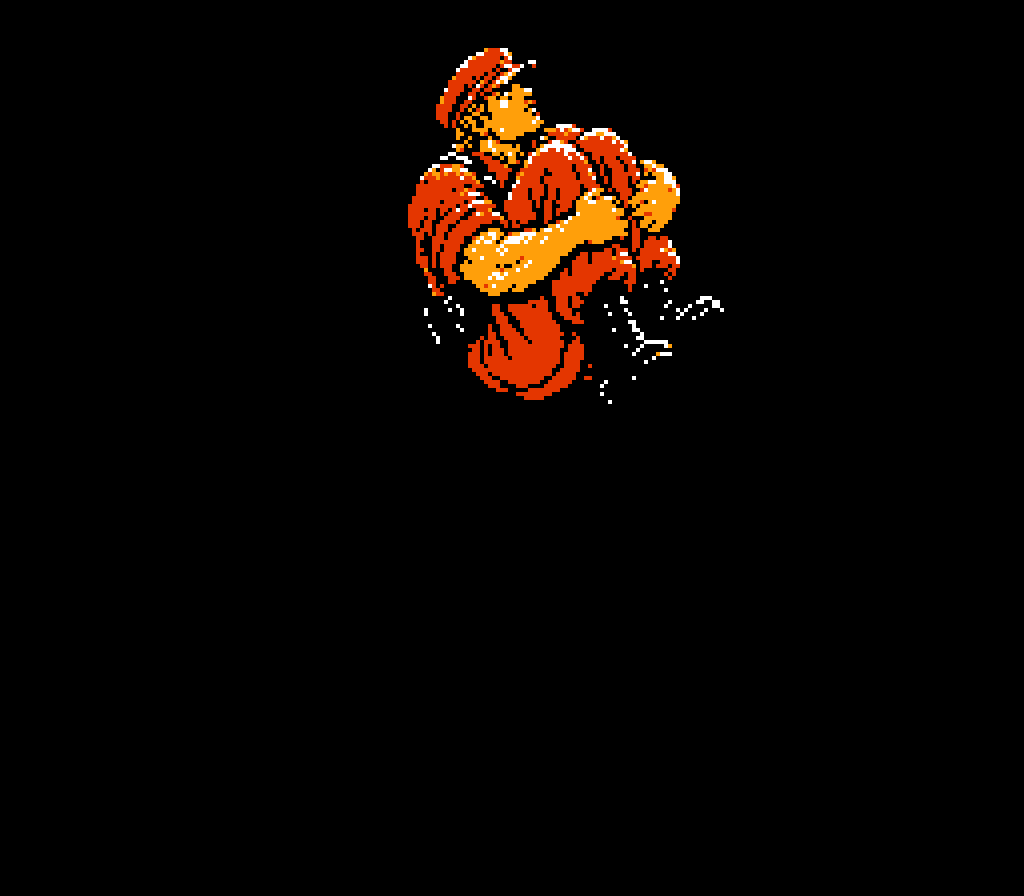
- 無敵時人物交替閃爍紅光,接觸普通敵人即可擊倒;碰撞可受傷的頭目每次造成 1 點傷害,仍有受傷間隔,並非秒殺。坑洞與即死地形仍須小心。
- 無限能量可持續補滿能力與特殊武器能量;不補血或解鎖武器,超必殺仍須依序施放。
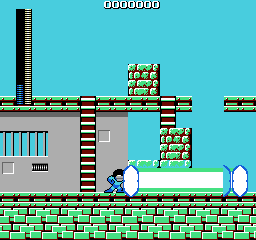
- 改善石頭風暴的旋轉演出、炸彈落點標記及米加粒子炮的藍白色顯示。
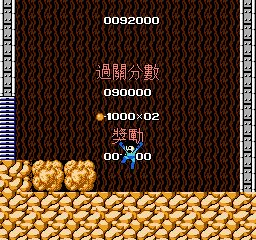
這次的洛克人,有甚麼不同?
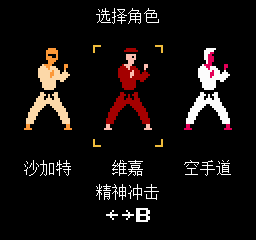
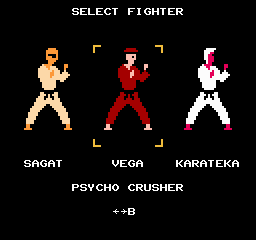
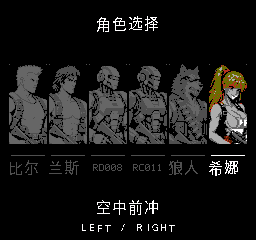
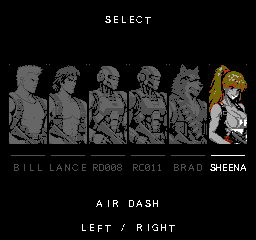
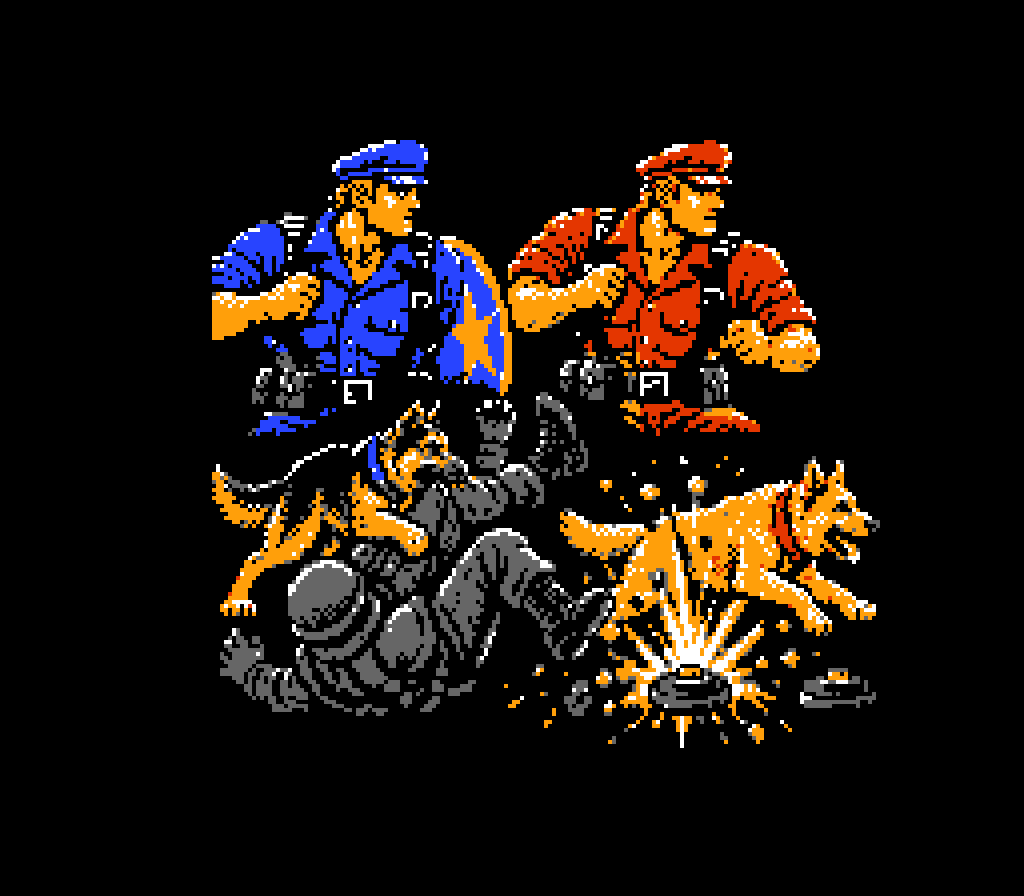
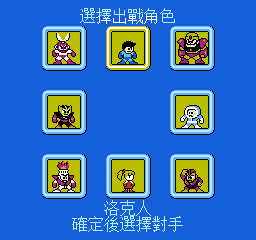
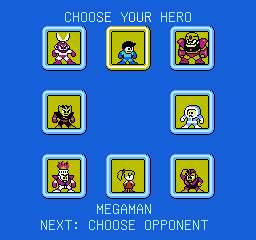
- 八位角色任選:洛克人、蘿露、剪刀人、冰人、炸彈人、火人、電人和力人。
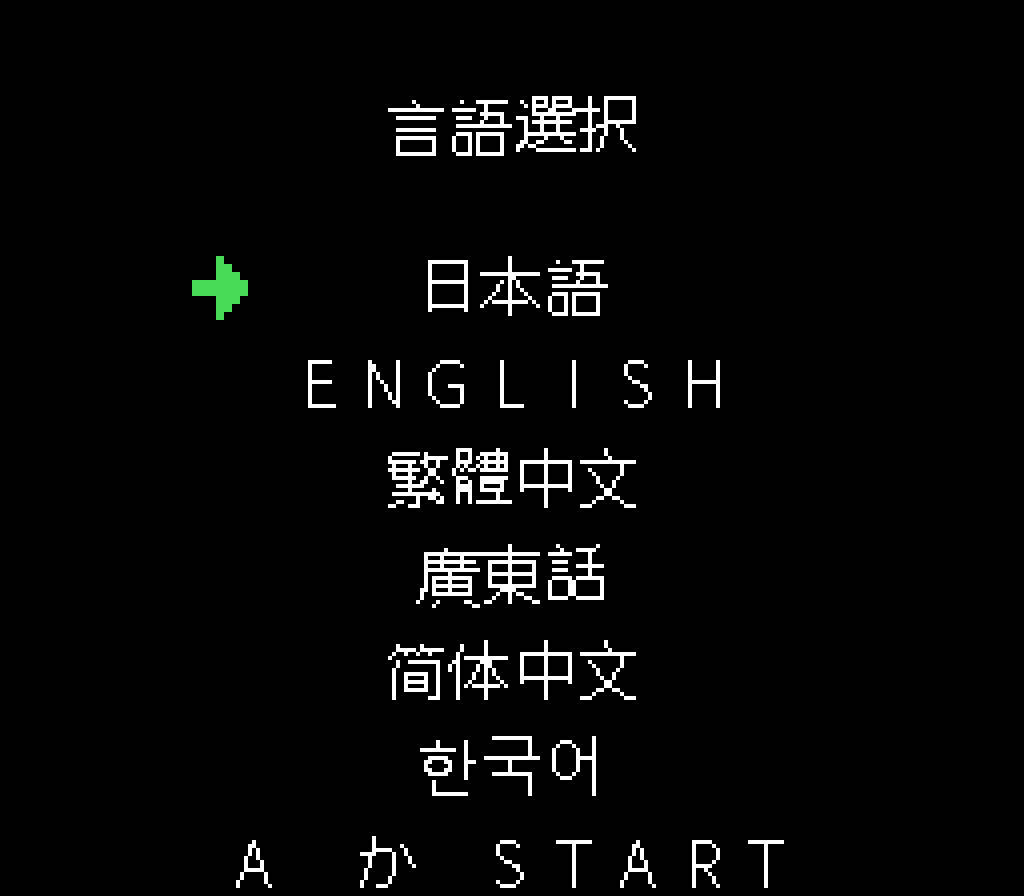
- 六種語言:英語、日語、繁體中文、粵語、簡體中文、韓語;預設日語。
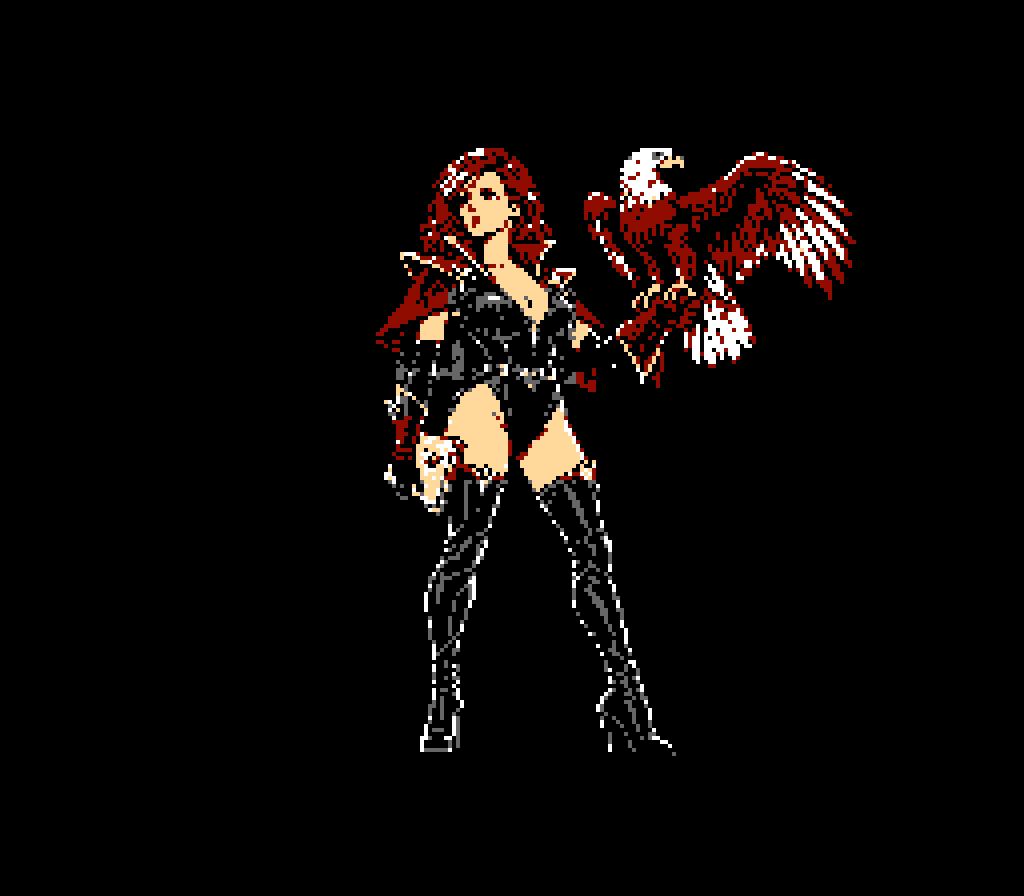
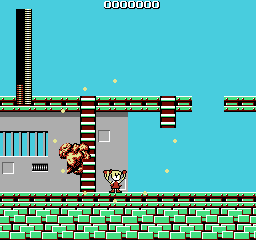
- 多段跳、蓄力與角色專屬超必殺。蘿露以精神力抓取和投擲敵人、磚塊,並能使出精神力衝擊與精神力風暴。
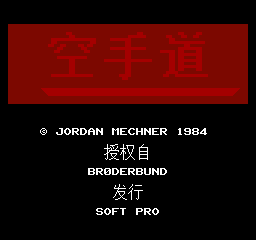
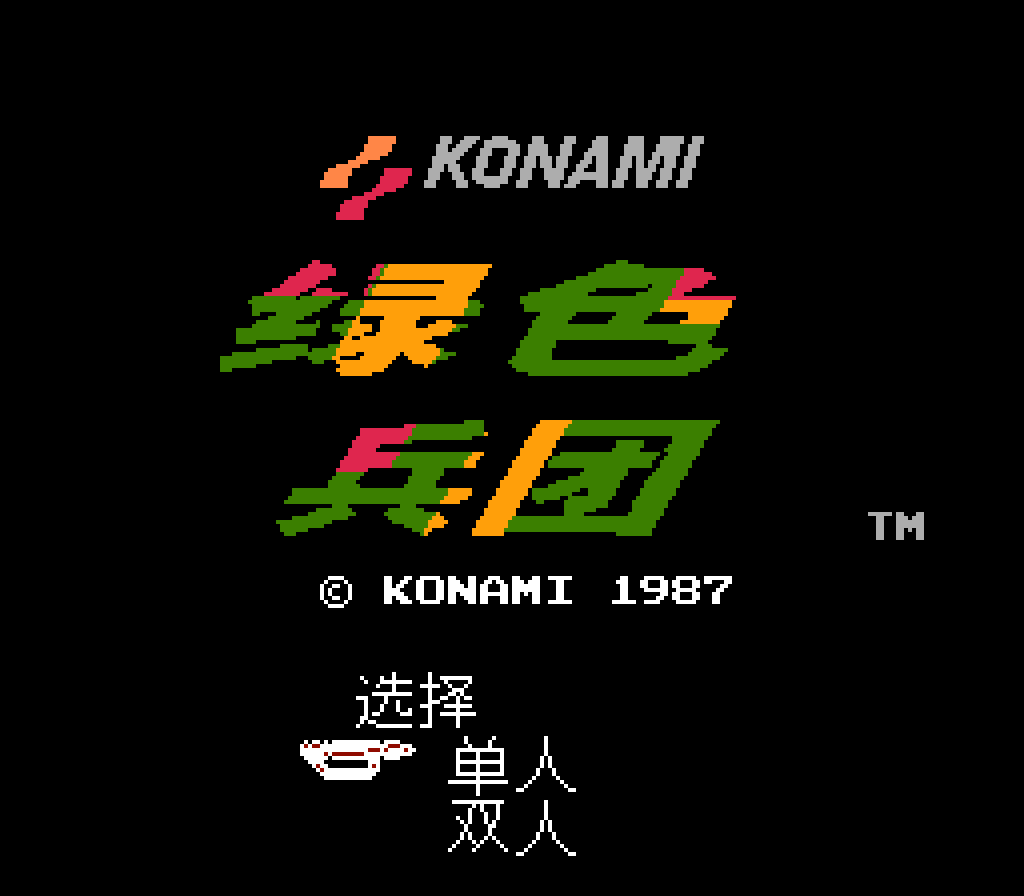
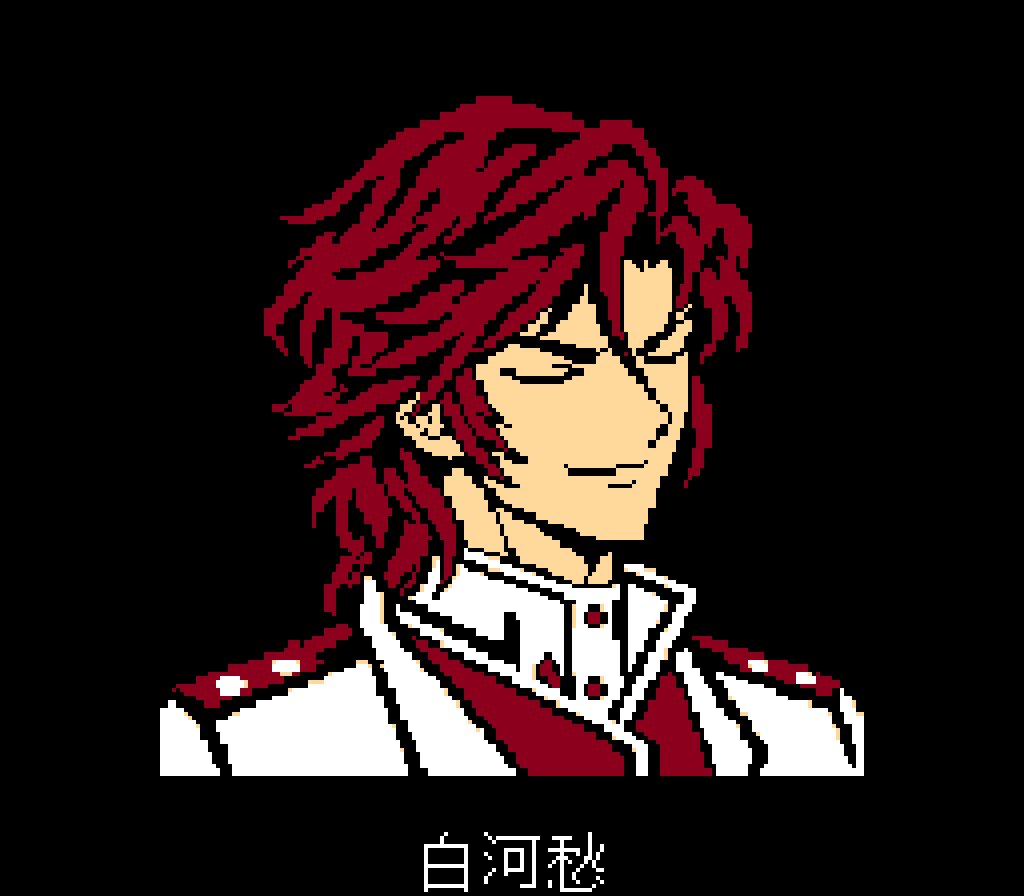
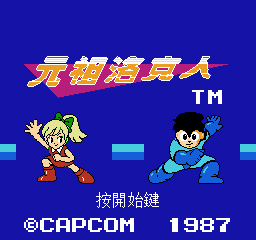
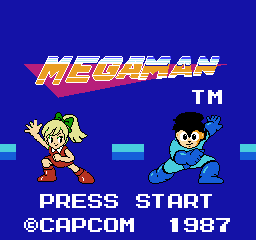
- 全新片頭、雙主角標題與角色配音;關卡保留原版音樂。
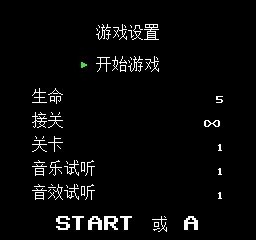
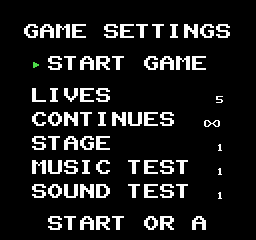
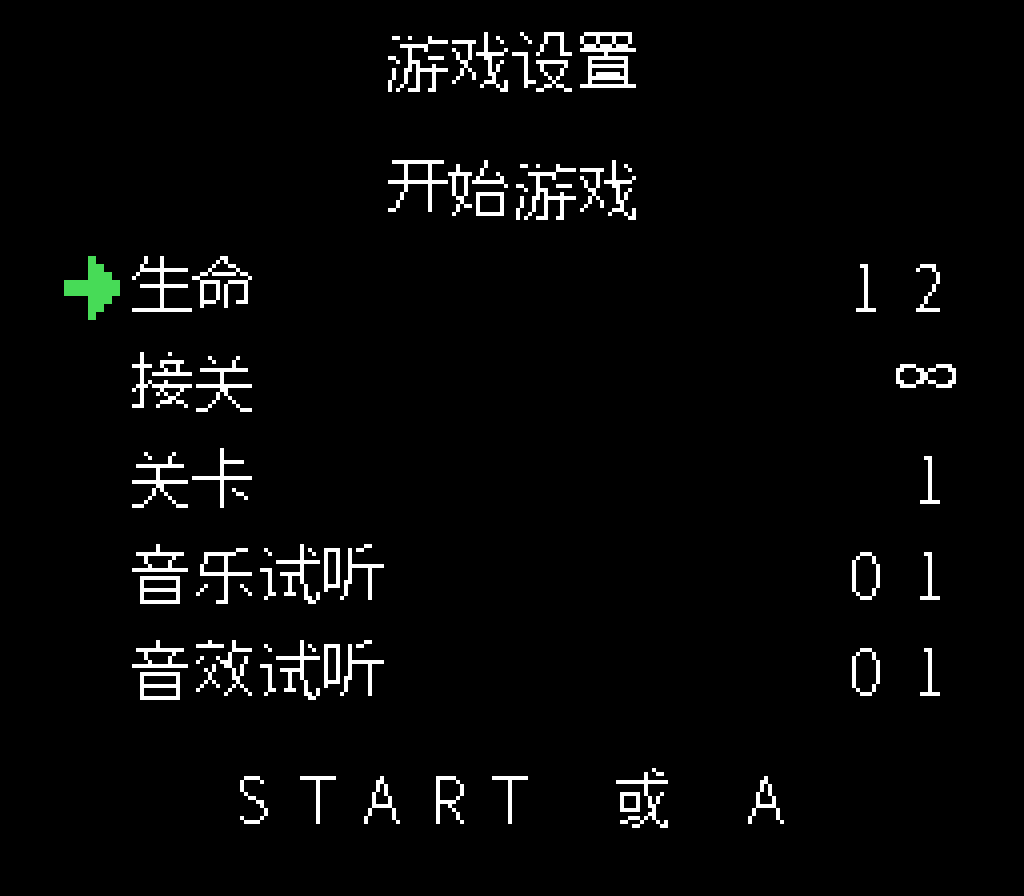
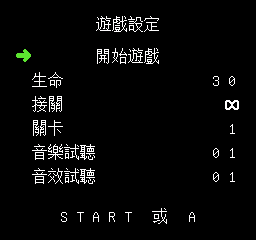
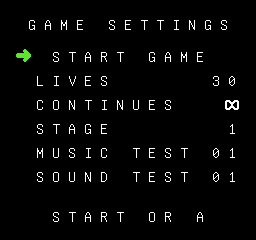
- 開始前可調整生命、接關次數、起始關卡、無敵模式及無限能量,並試聽音樂音效;預設 30 條命、無限接關,生命可設為 1~255 條。
基本操作
- 方向鍵:移動;上/下:爬梯。
- A:跳躍;在空中再次按 A 可追加跳躍,蘿露可三段跳。
- B:攻擊;按住蓄力,鬆開釋放。
- Start:洛克人打開武器菜單;其他角色暫停。
- Select:暫停/繼續;Select+上/下:循環切換可玩角色。 超必殺和變身過程中不能切換角色。
- 僅在 Select 暫停畫面中:下+A 前進一個檢查點,上+A 返回一個檢查點。 使用這些指令前先鬆開 B。
- 站立時上+A+B:發動超必殺,需要滿能力能量,消耗 48 點中的 38 點。 施放時不能移動或切人。洛克人須選擇普通子彈;蘿露須未抓持目標。
角色招式
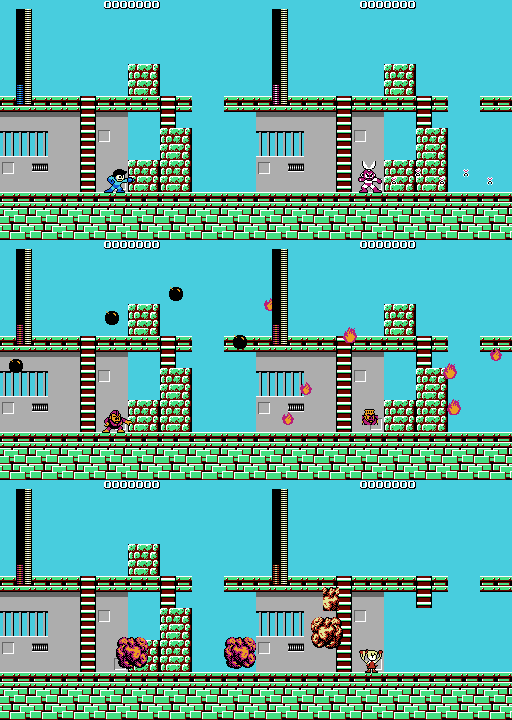
超必殺統一在地面、能力能量全滿時按上+A+B,消耗 48 點中的 38 點。 施放期間不能移動、跳躍或切人,並抵擋敵方攻擊;仍需注意坑洞等地形危險。 以下秒數爲主要發射/施放時間,準備、收招和殘留彈體可能使效果稍晚結束。 有方向性的超必殺按發動時的人物朝向施放。
六位機器人共用三檔蓄力:不輸入特殊指令,按住 B 後鬆開。 一級向前發射,二級向斜上及斜下發射,三級同時向三個方向發射;蓄力提高威力。
洛克人
- 能量槍:短按 B 射擊;方向+B 可八方向瞄準。
- 蓄力槍:按住 B 後鬆開,三檔分別發出一、二或四顆能量球,亦可八方向瞄準。
- 滑鏟:地面下+A。
- 超必殺·米加粒子炮:普通子彈狀態下上+A+B,聚能後向前持續發射藍白 能量炮,約 6 秒;選擇特殊武器時無法發動。
剪刀人
- 迴旋剪刀:B 投出會返回的剪刀。
- 遙控剪刀:方向+B,按住 B 時可控制剪刀方向;鬆開 B 恢復人物操作, 剪刀隨後返回。
- 蓄力剪刀:按住 B 後鬆開,使用上述三檔蓄力。
- 超必殺·千刃:上+A+B,雙手交替揮動,向前連續投出大量剪刀,約 3 秒。
冰人
- 冰凍彈:B 發射冰彈。
- 蓄力冰凍彈:按住 B 後鬆開,使用上述三檔蓄力;蓄力命中也可凍結首領。
- 超必殺·暴雪風暴:上+A+B,舉手持續施放,雪花橫掃畫面,約 6 秒。
炸彈人
- 超級炸彈:按住 B 準備炸彈並查看預計落點,鬆開投出。 按住時間同時影響投擲力度與蓄力等級。
- 放置炸彈:下+B。
- 蓄力超級炸彈:按住 B 後鬆開,使用上述三檔蓄力。
- 超必殺·炸彈雨:上+A+B,約 3 秒內降下大量真實炸彈,接觸目標或落地後 爆炸。
火人
- 火焰波:B 向前發出火焰攻擊。
- 火焰瓶:上+B,沿拋物線投出火焰彈。
- 蓄力火焰波:按住 B 後鬆開,使用上述三檔蓄力。
- 超必殺·流星風暴:上+A+B,舉手施放連續斜向火雨,約 6 秒。
電人
- 雷電光束:B 發出向前擴散的五路雷電攻擊。
- 縱向雷電:上+B 向上發射,下+B 向下發射。
- 蓄力雷電:按住 B 後鬆開,使用上述三檔蓄力。
- 超必殺·雷電風暴:上+A+B,保持舉手,從上空連續降下雷電,約 6 秒。
力人
- 巨石投擲:按住 B 舉起附近可搬磚塊或巨石,鬆開投出;抓持時左/右只改變 朝向,不會步行。
- 蓄力巨石投擲:按住 B 後鬆開,使用上述三檔蓄力。
- 震地:空中下+A,快速落地後震動地面。
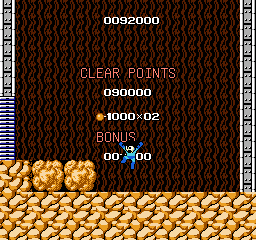
- 超必殺·巨石猛襲:上+A+B,不斷舉起並投出大石頭,撞擊後碎開,約 3 秒。
蘿露
- 精神力抓取:短按並鬆開 B,發出擴散的精神力光圈。光圈掃到可抓取目標 時纔會捕獲,並吸到蘿露身邊。按住 B 蓄力後鬆開可強化抓取:普通/一級/ 二級/三級分別最多抓 1/2/3/全部有效目標;蓄力越高範圍越大,三級全屏。
- 精神力投擲:抓持時方向鍵仍移動蘿露,目標會跟隨。方向+B 可八方向投擲, 單按 B 向前扔。扔出的敵人可砸中其他敵人,可搬磚塊撞擊後碎開。 投擲不會發出第二圈。強敵掙脫更快;普通抓持每個目標每秒消耗 1 點能量, 蘿露受傷會解除抓持。
- 精神力衝擊:空手時後→前+B。 身體旋轉,裹着精神力 向前衝擊;消耗 5 點能量,威力相當於 6 發普通子彈,仍受目標防禦規則影響。 先前的抓取光圈或投擲批次必須已經結束。
- 惡魔空踏:空手時下→上+B,支持斜方向輸入。 跳向目標上方踩下, 踩中後向後上方高彈。消耗 5 點能量,踩踏威力相當於 3 發普通子彈。
- 翻身碎顱擊:空中下+B。 雙拳斜向下撲擊,威力相當於 3 發普通子彈。 命中會推開可移動目標;推不開時蘿露自身彈開。普通跳躍或惡魔空踏反彈後均可 主動發動,踩中後單按 B 不會自動接拳。
- 超必殺·精神力風暴:地面空手、滿能量時上+A+B。 約 6 秒內,以全屏光圈抓取有效敵人和可搬磚塊,懸浮環繞、持續施壓, 最後向外爆發投出。首領 留在原位承受精神力壓制,不會被帶着環繞; 完整命中可對 首領 造成最多 15 點傷害。消耗 48 點中的 38 點能量。
能量與回復
- 能力能量上限 48 點。額外跳躍、蓄力和蘿露的精神力招式會消耗能量,換人不會補滿。
- 停用能力時,每 0.5 秒恢復 1 點;暫停和抓持目標期間不恢復。
- 小回複道具補 1 點,大回複道具補 5 點;生命值和能力能量分別補充, 各自到達上限後不再增加。
- 開啟無限能量後,能力與已解鎖特殊武器的能量保持充足;換人、招式條件和超必殺持續時間不變。
怎樣開始玩
- 解壓 rockman-jp-expanded-V20261027.004.zip,用支援 NES 2.0 與 MMC5 的模擬器開啟 rockman-jp-expanded.nes。
- 語言畫面以上/下選擇,A 或 Start 確認;設定畫面以上/下選項、左/右調整。
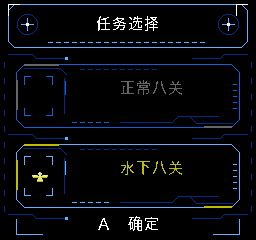
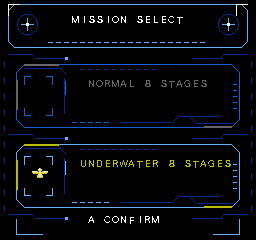
- 在標題畫面開始,選擇我方角色,再選擇要挑戰的關卡;完整操作見壓縮包內的 rockman-jp-expanded.txt。
遊玩須知
- 需要支持 NES 2.0 與 MMC5 的模擬器,已在 Mesen 做定向驗證。 其他模擬器、燒錄卡和實體硬件尚未完成兼容認證。
- 更換版本後請冷啓動或重置,不要載入舊版即時存檔或自動續玩狀態。
- 密集攻擊和語音播放仍可能造成拖慢或精靈閃爍。
- 早先蘿露特定位置蓄力釋放卡死、冰人異常位移,以及殘留電流聲或音樂 聲部缺失等報告尚未全部確認解決;未完成全流程驗證。
此版本尚未完成全流程通關與實體硬體驗證。部分畫面沿用先前版本,新選項請以遊戲內設定為準。
檔案資訊
rockman-jp-expanded-V20261027.004.zip · V20261027.004 · 3,604,378 位元組(約 3.44 MiB)
SHA-256:70eab5227610c10eb0ae9d40999c3883ab6a16cce72d67c9d8c52d3e70cc9b0f
署名與感謝
作者:白河愁
測試感謝:老猫、灼眼の双儿、阿兔、球场贵公子三杉淳、十万个为什么、小叶爱默默(排名不分先後)
特別感謝:82 年电玩大叔、玩主小小虫(排名不分先後)
原版遊戲:©CAPCOM 1987。原版製作人員署名保留於遊戲內。招式參考:《街頭霸王》系列的維嘉。
字體來源:GNU Unifont / Unifont JP 16.0.04 及其貢獻者,SIL OFL 1.1。額外笑聲來源為用戶提供的 Rashojin_Mizuki_Laugh_SND10_1ADF.wav;其他新增角色配音為合成演繹。感謝提供遊戲錄像及問題回饋的玩家。
本作為非官方同人改版,原有素材權利歸各自權利人所有。
網站:www.ff18.com
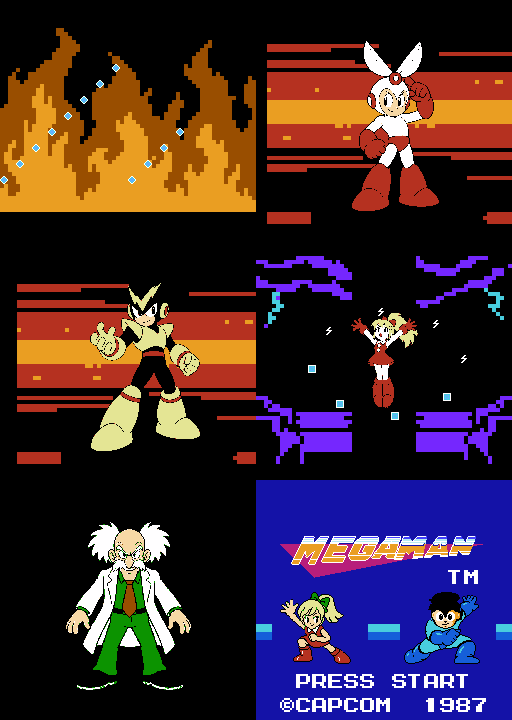
MEGAMAN — Eight Heroes
Eight heroes, a fresh way to take on the stages. Play as Mega Man, Roll or six Robot Masters, each with their own attacks and super move.
Version: V20261027.004 (test build) · Platform: FC / NES · Players: 1 · Released: October 26, 2026 · Updated: October 27, 2026
No extraction code. File: rockman-jp-expanded-V20261027.004.zip. The game ROM, complete player guide, GIFs and screenshots are included.
What's new
- New Invincible Mode and Infinite Energy settings work independently. Both are off by default.
- Invincible Mode flashes the hero red and defeats ordinary enemies on contact. Contact with a vulnerable Boss deals 1 HP per hit, respecting its hurt cooldown; Bosses are not instantly defeated. Pits and instant-death terrain remain dangerous.
- Infinite Energy keeps ability and special-weapon energy full without healing HP or unlocking weapons. Supers still run one at a time.
- Improved stone orbits in Psycho Storm, Bomb landing markers and the blue-white Mega Particle Cannon display.
Highlights
- Eight playable characters: Mega Man, Roll, Cut Man, Ice Man, Bomb Man, Fire Man, Elec Man and Guts Man.
- Six languages: English, Japanese, Traditional Chinese, Cantonese, Simplified Chinese and Korean. Japanese is the default.
- Extra jumps, charged attacks and character-specific supers. Roll can use psychic power to lift and throw enemies and blocks, along with Psycho Crusher and Psycho Storm.
- A new opening cinematic, dual-hero title and character voices, with the original stage music retained.
- Startup settings for lives, continues, starting stage, Invincible Mode, Infinite Energy and sound tests. Defaults: 30 lives and unlimited continues; lives can be set from 1 to 255.
Controls
- D-pad: move; Up/Down: climb ladders.
- A: jump. Press again in the air for an extra jump; Roll has three jumps.
- B: attack. Hold and release B to charge an attack.
- Start: Mega Man's weapon menu; pause for the other characters.
- Select: pause/resume. Select + Up/Down: cycle playable characters. Character switching is unavailable during a super move or transformation.
- On the Select pause screen only: Down + A advances one checkpoint; Up + A goes back one checkpoint. Release B before using these commands.
- Up + A + B while standing: super move, requiring full ability energy. It spends 38 of 48 points. Movement and character switching are locked during the move. Mega Man must have the normal buster selected; Roll must not be holding a target.
Character moves
Super moves use grounded Up + A + B with full 48-point ability energy and cost 38 points. During the channel, movement, jumping and character switching are locked, and enemy attacks cannot damage you. Terrain hazards still require care. Times below are the main firing/channel periods; preparation, recovery and remaining projectiles may extend the visible effect. Directional supers use the facing chosen when the move starts.
The six Robot Masters share three charge levels: hold B without a special command, then release. Level 1 fires forward; level 2 fires diagonally up and down; level 3 fires all three directions. Charging increases attack power.
MEGA MAN
- Buster: tap B to shoot. Direction + B aims in eight directions.
- Charged Buster: hold and release B. Three levels produce one, two or four energy orbs; the charged attack can also be aimed in eight directions.
- Slide: grounded Down + A.
- Super — Mega Particle Cannon: Up + A + B with the normal buster selected. Gather energy and fire a continuous blue-white beam forward for about 6 seconds. Unavailable while a special weapon is selected.
CUT MAN
- Rolling Cutter: B throws returning scissors.
- Guided Cutter: Direction + B launches a cutter that can be steered while B is held. Release B to regain character control; the cutter returns.
- Charged Cutter: hold and release B for the three charge levels above.
- Super — Thousand Edge: Up + A + B. Alternate throwing hands and unleash a rapid stream of scissors forward for about 3 seconds.
ICE MAN
- Ice Slasher: B fires an ice projectile.
- Charged Ice Slasher: hold and release B for the three charge levels above. Charged hits can freeze Bosses too.
- Super — Blizzard Storm: Up + A + B. Raise the arms and send continuous snowflakes sweeping across the screen for about 6 seconds.
BOMB MAN
- Hyper Bomb: hold B to prepare a bomb and see its predicted landing point; release to throw. Holding changes throwing strength as well as charge level.
- Bomb Placement: Down + B places a bomb.
- Charged Hyper Bomb: hold and release B for the three charge levels above.
- Super — Bomber Rain: Up + A + B. Call down a rain of real bombs for about 3 seconds. They explode on contact with targets or when they land.
FIRE MAN
- Fire Wave: B launches a forward flame attack.
- Fire Bottle: Up + B throws a flame projectile along an arc.
- Charged Fire Wave: hold and release B for the three charge levels above.
- Super — Meteor Storm: Up + A + B. Raise the arms and shower the screen with diagonally falling flames for about 6 seconds.
ELEC MAN
- Thunder Beam: B launches a five-pronged forward thunder attack.
- Vertical Thunder: Up + B fires upward; Down + B fires downward.
- Charged Thunder: hold and release B for the three charge levels above.
- Super — Thunder Storm: Up + A + B. Hold the raised-arm pose as successive lightning bolts rain from above for about 6 seconds.
GUTS MAN
- Boulder Throw: hold B to lift a nearby movable block or a boulder; release to throw. While holding, Left/Right turns Guts Man without walking.
- Charged Boulder Throw: hold and release B for the three charge levels above.
- Quake Stomp: airborne Down + A drops to the ground and causes a quake.
- Super — Rock Rusher: Up + A + B. Repeatedly lift and throw large boulders for about 3 seconds. The boulders shatter on impact.
ROLL
- Telekinetic Capture: tap and release B to send an expanding psychic ring. It catches eligible targets only when the ring reaches them, then draws them close to Roll. Hold B and release for a charged ring: normal / level 1 / level 2 / level 3 catches up to 1 / 2 / 3 / all eligible targets respectively; higher levels extend the range, with level 3 covering the screen.
- Telekinetic Throw: while holding targets, the D-pad still moves Roll and targets follow her. Direction + B throws in any of eight directions; B alone throws forward. Thrown enemies can hit other enemies, and movable blocks shatter on impact. A throw does not emit a new capture ring. Stronger enemies break free sooner. Ordinary holding costs 1 energy per target each second; being hit releases the held targets.
- Psycho Crusher: Back, then Forward + B while empty-handed. Roll spins forward wrapped in psychic energy. It costs 5 energy and hits with the equivalent of 6 normal bullets, subject to the target's normal defenses. A previous capture ring or thrown group must finish first.
- Head Press: Down, then Up + B while empty-handed. Diagonal inputs count. Roll leaps toward a target and stomps from above, then rebounds high backward. It costs 5 energy; the stomp hits for 3 normal-bullet equivalents.
- Somersault Skull Diver: airborne Down + B. Dive diagonally downward with both fists for 3 normal-bullet equivalents. Pushes movable targets away; Roll recoils if a target cannot be pushed. Use it after a jump or a Head Press rebound. Pressing B alone after the stomp does not trigger this move.
- Super — Psycho Storm: Up + A + B from the ground with empty hands and full energy. For about 6 seconds, a screen-wide ring captures eligible enemies and movable blocks, suspends them in an orbit, then blasts them outward. Bosses are pressured in place rather than carried around; a complete sequence can deal up to 15 HP to a Boss. Cost: 38 of 48 energy.
Energy and recovery
- Ability energy holds up to 48 points. Extra jumps, charging and psychic abilities consume energy. Switching characters does not refill it.
- When abilities are idle, recover one point every 0.5 seconds. Pausing and holding captured targets do not restore energy.
- Small recovery pickups restore 1 point; large ones restore 5 points to health and ability energy, up to their respective limits.
- With Infinite Energy enabled, ability and unlocked special-weapon energy remain full; character switching, move conditions and super durations are unchanged.
How to play
- Extract rockman-jp-expanded-V20261027.004.zip, then open rockman-jp-expanded.nes in an emulator supporting NES 2.0 and MMC5.
- Choose a language with Up/Down and confirm with A or Start. In settings, use Up/Down to select an item and Left/Right to change it.
- Start at the title screen, choose your character and then the stage. The complete controls are in rockman-jp-expanded.txt inside the ZIP.
Before playing
- Use an emulator supporting NES 2.0 and MMC5. Targeted checks use Mesen. Other emulators, flash cartridges and physical hardware are not certified.
- Cold-boot or reset the new ROM. Do not resume an older version's save state or automatic suspended session.
- Dense attacks and voice playback may still cause slowdown or sprite flicker.
- Earlier reports of a charged-release freeze at a specific Roll location, Ice Man moving unexpectedly, and residual electrical noise or missing music have not all been confirmed resolved. This is not a fully verified campaign.
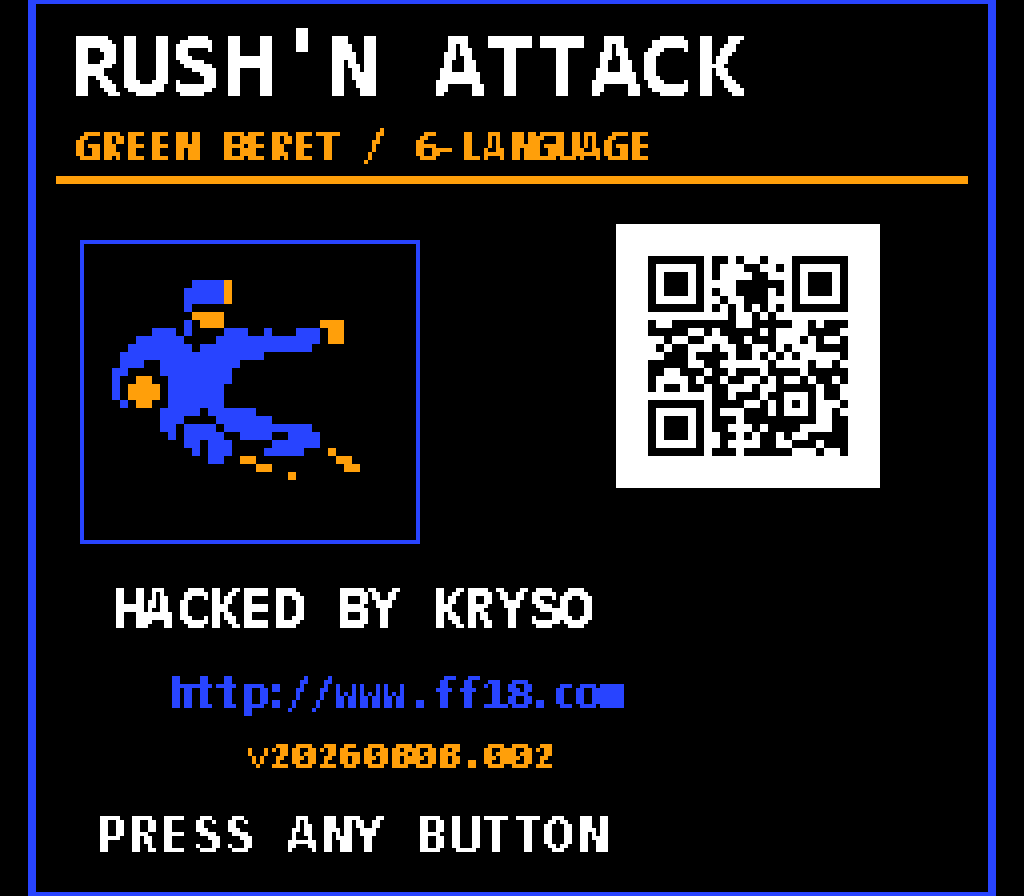
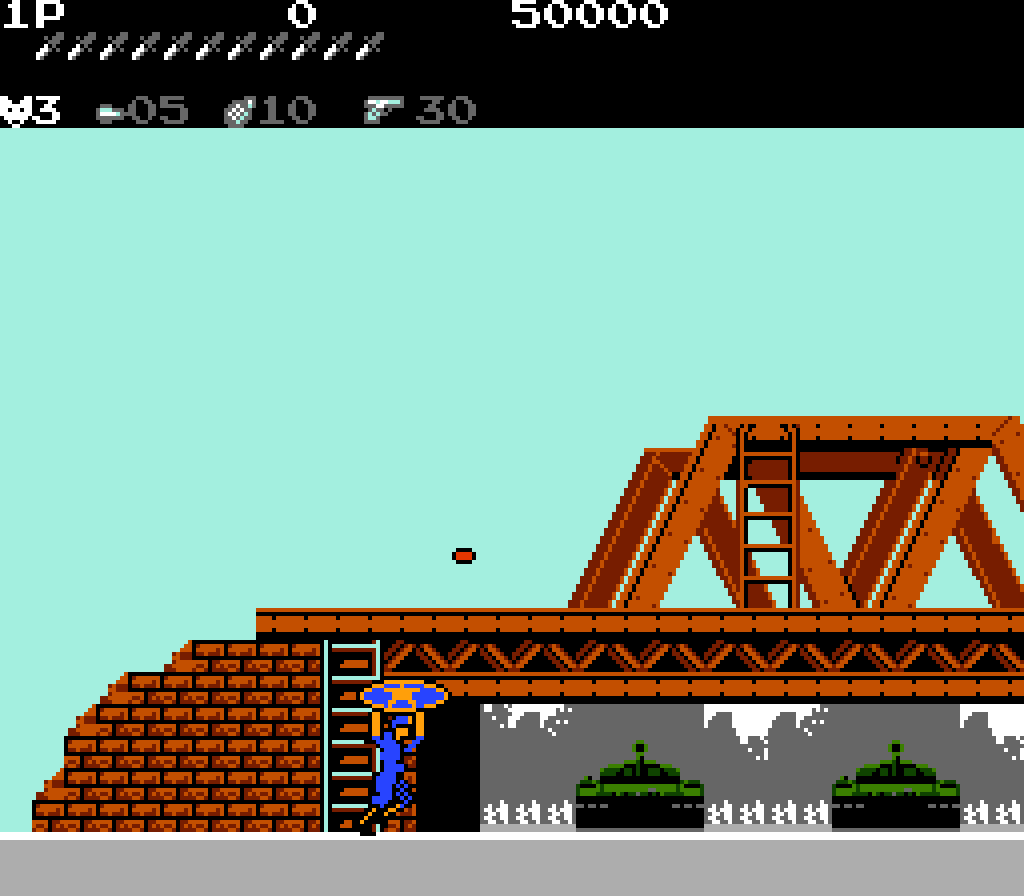
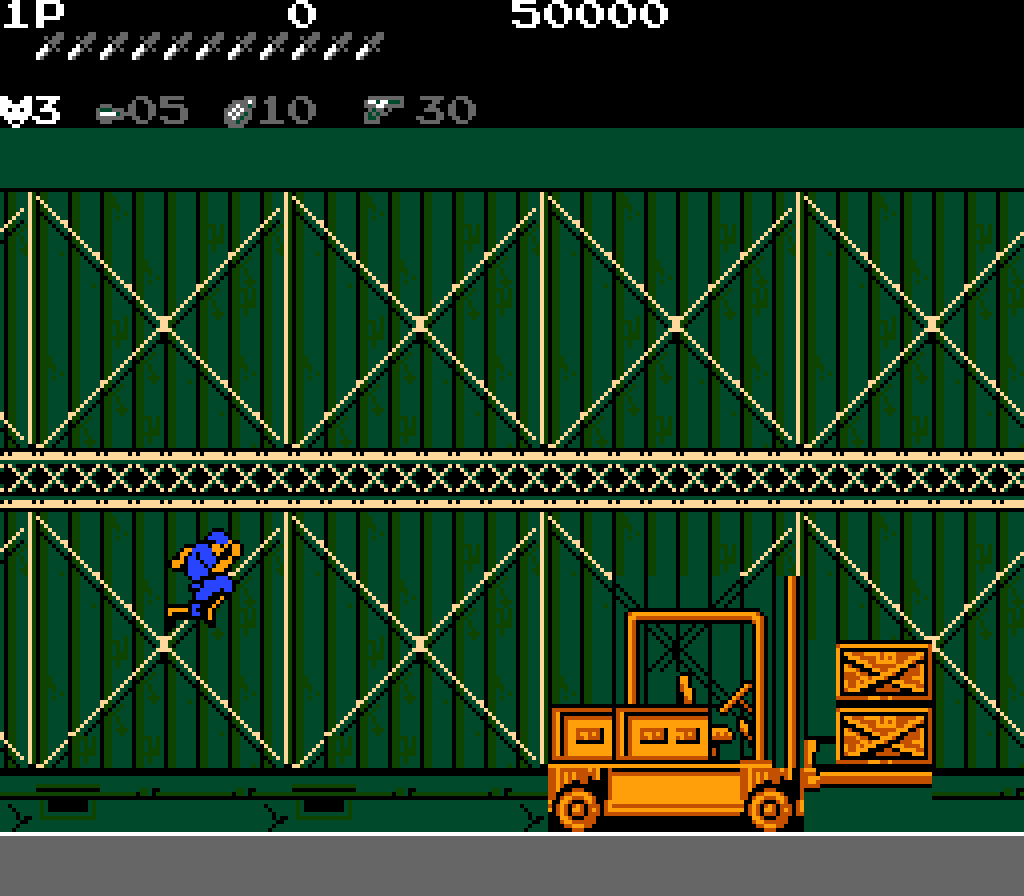
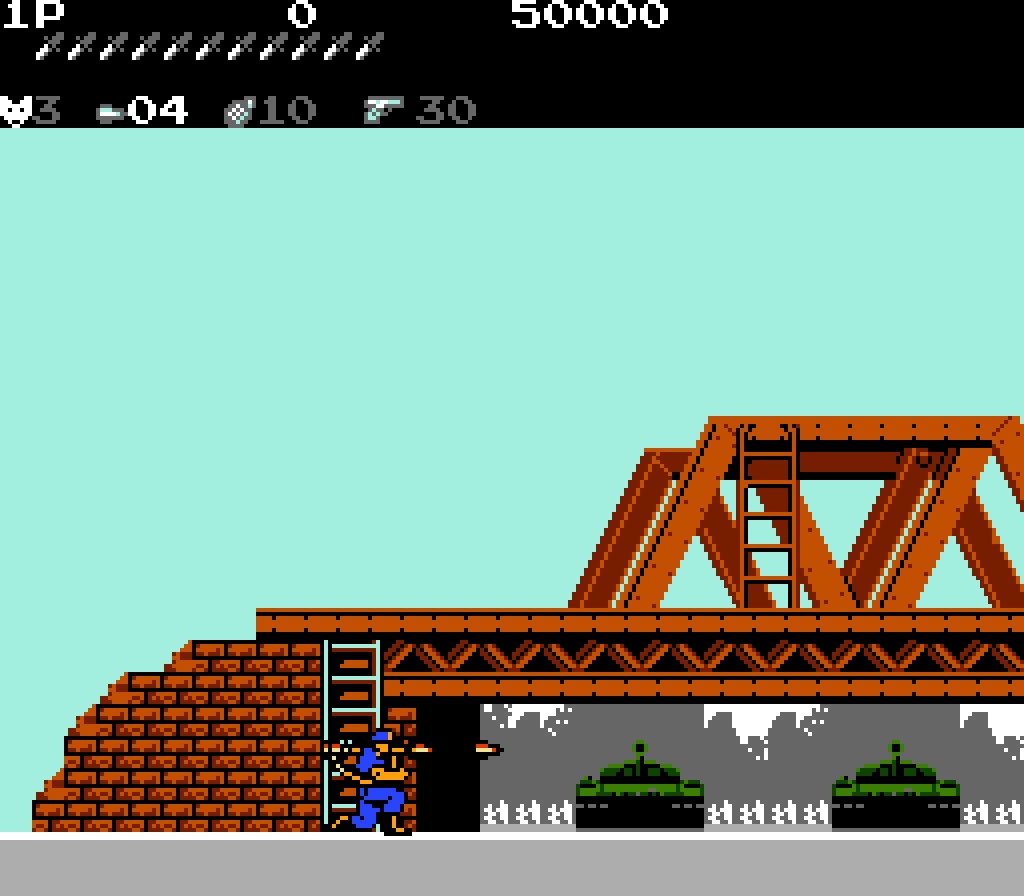
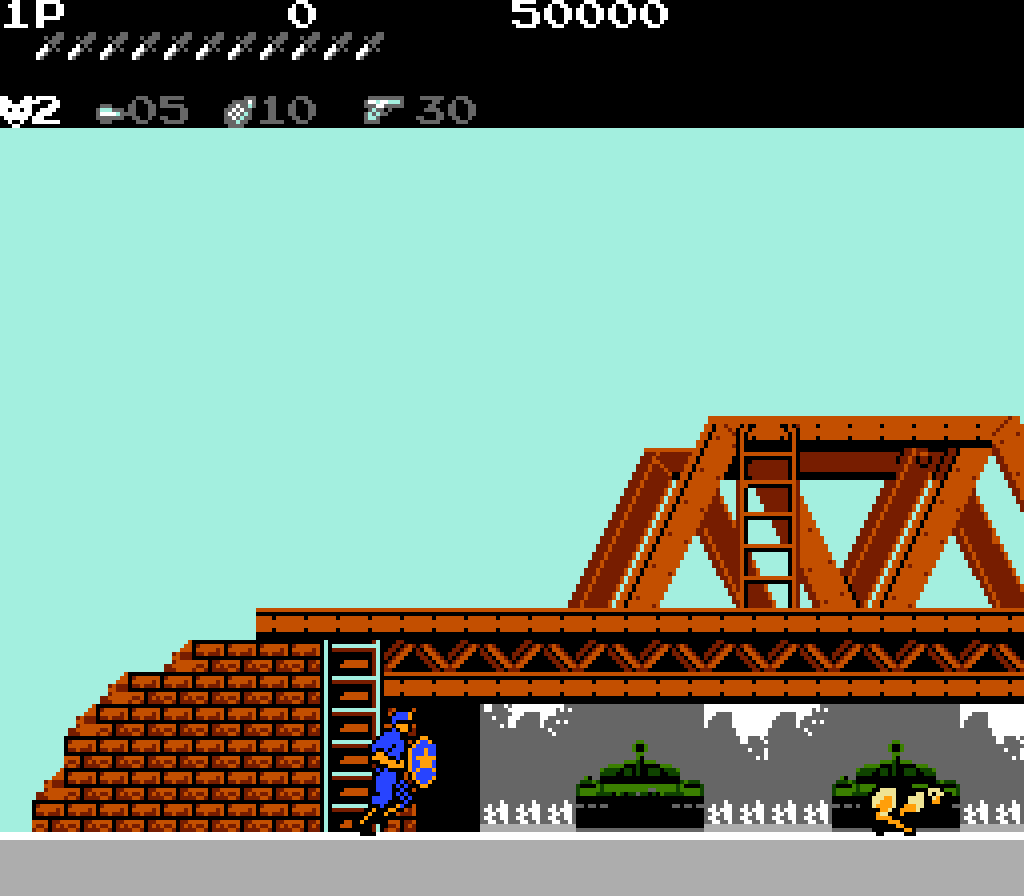
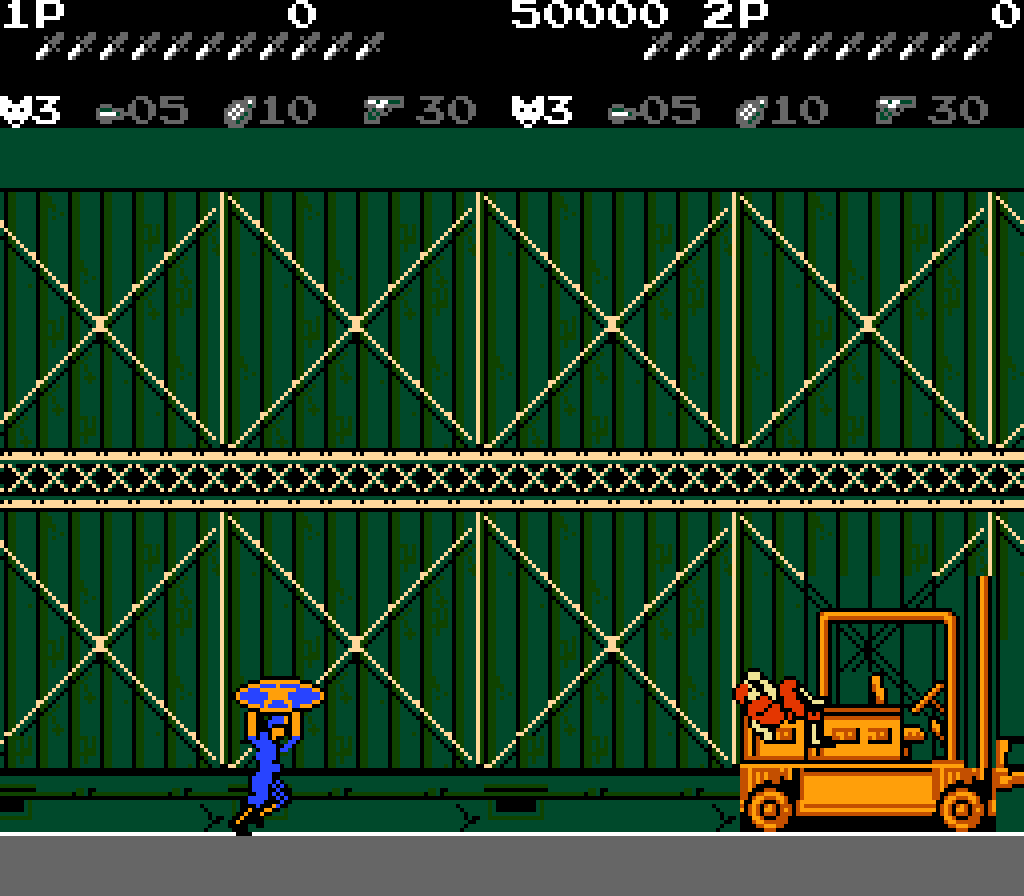
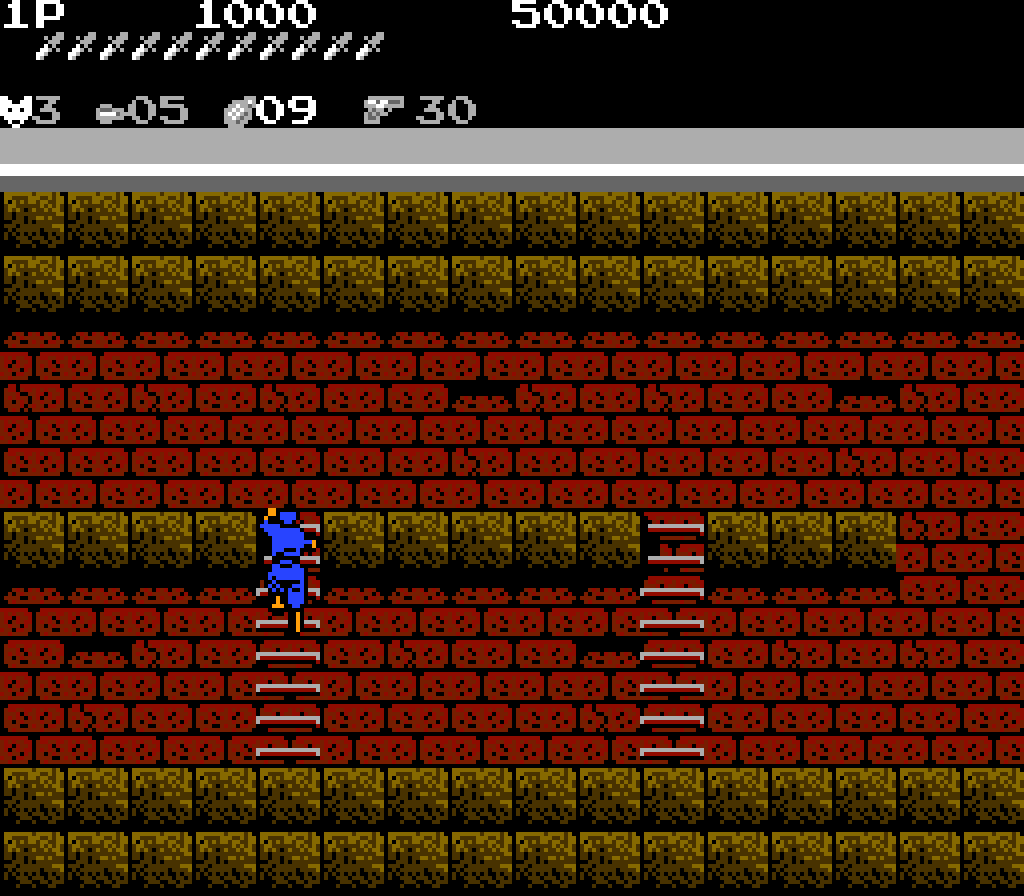
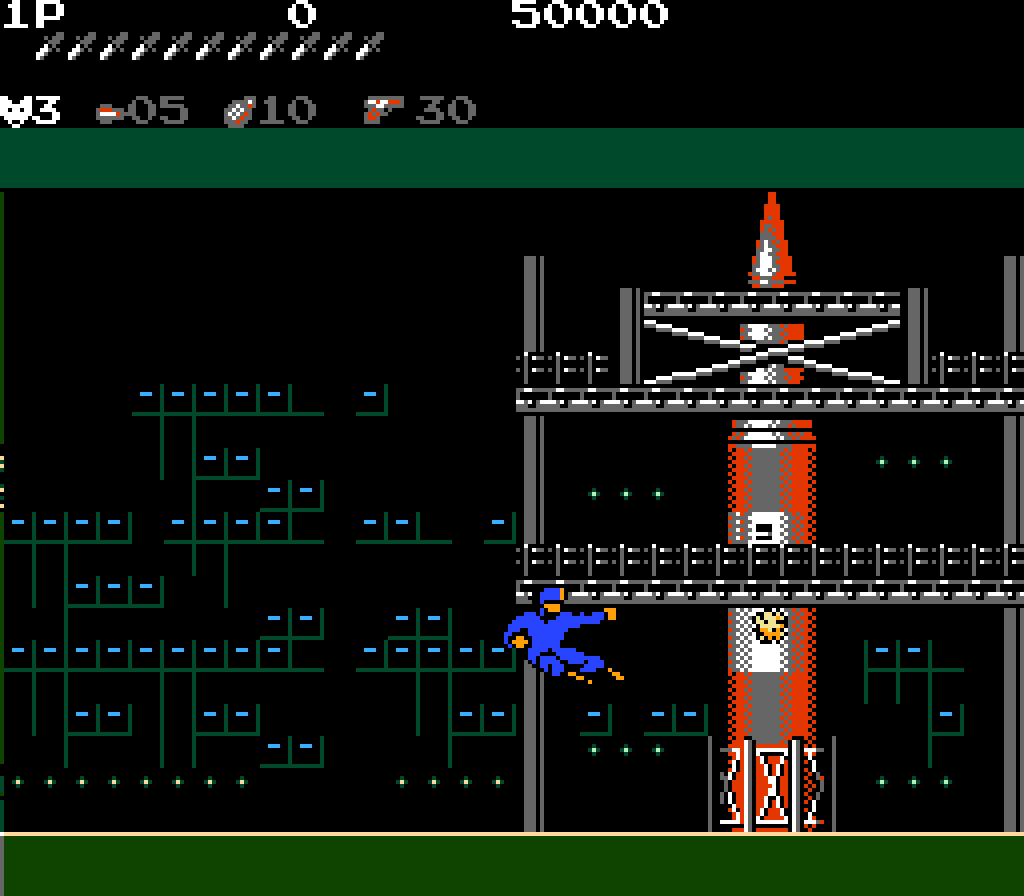
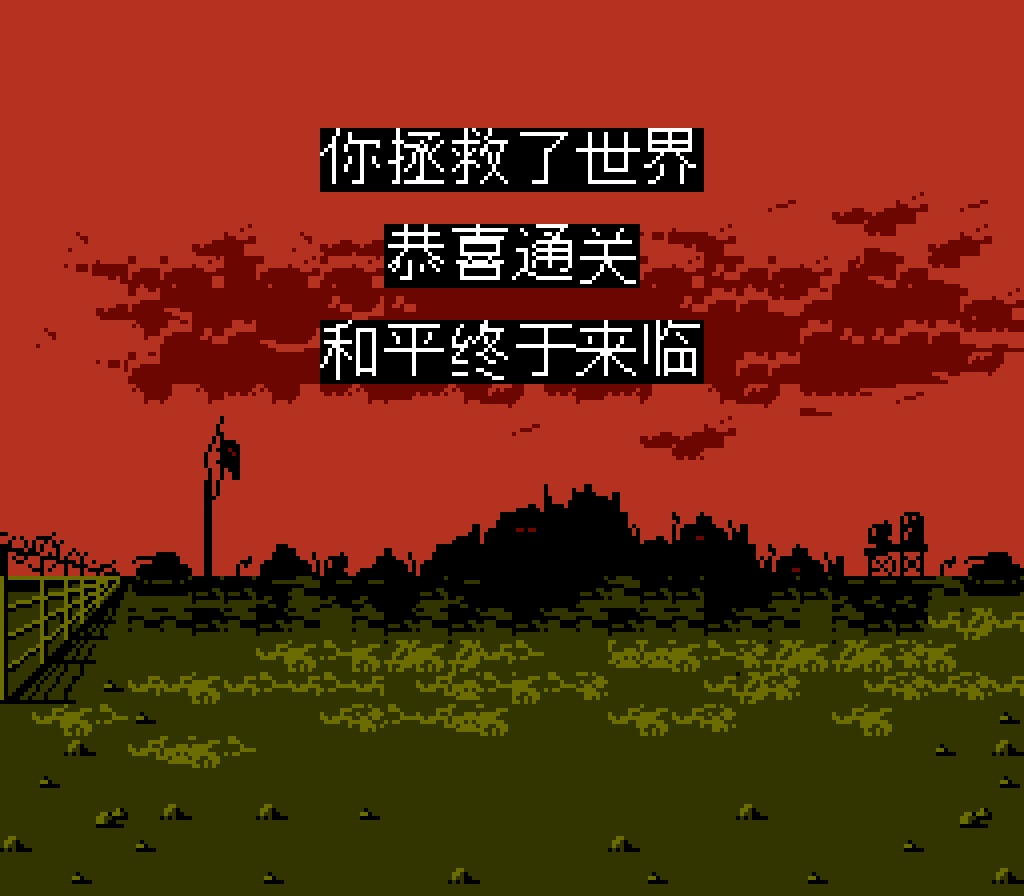
This version has not been validated through the full campaign or on physical hardware. Some images show earlier versions; check the in-game settings for the new options.
File information
rockman-jp-expanded-V20261027.004.zip · V20261027.004 · 3,604,378 bytes (about 3.44 MiB)
SHA-256: 70eab5227610c10eb0ae9d40999c3883ab6a16cce72d67c9d8c52d3e70cc9b0f
Credits and thanks
Author: Kryso
Testing thanks (in no particular order): 老猫、灼眼の双儿、阿兔、球场贵公子三杉淳、十万个为什么、小叶爱默默
Special thanks (in no particular order): 82 年电玩大叔、玩主小小虫
Original game: ©CAPCOM 1987. Original staff credits remain in the game. Move inspiration: Vega (M. Bison), Street Fighter series — CAPCOM.
Fonts: GNU Unifont / Unifont JP 16.0.04 and their contributors, SIL OFL 1.1. Additional laugh source: user-provided Rashojin_Mizuki_Laugh_SND10_1ADF.wav. Other added character voices are synthesized. Thanks to the players who supplied recordings and bug reports.
This is an unofficial fan modification. Original material belongs to its respective rights holders.
Website: www.ff18.com